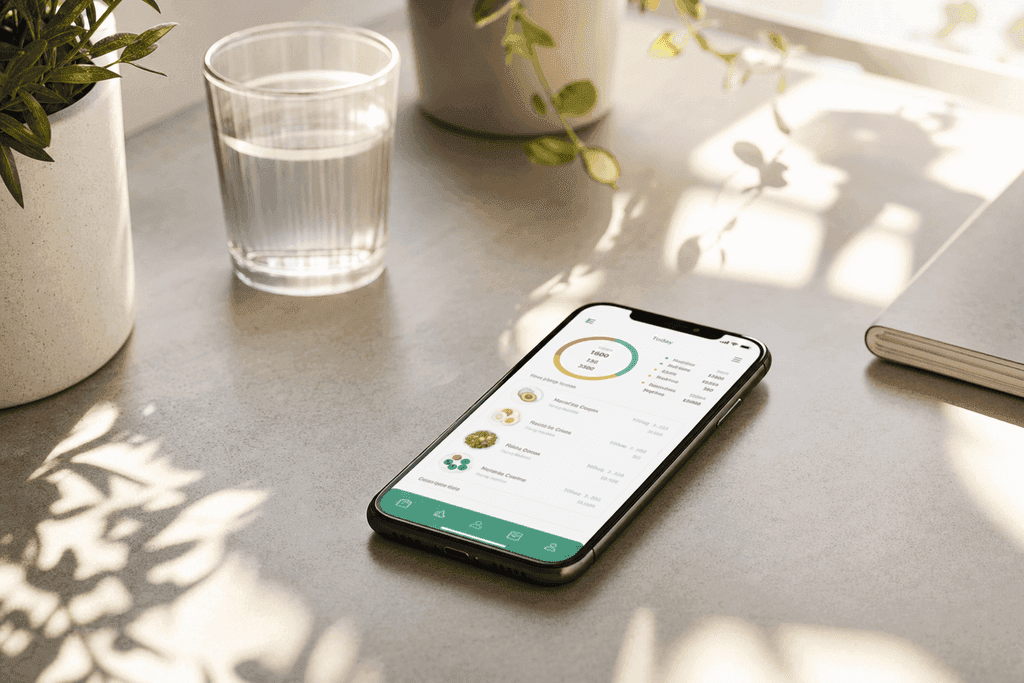
Cronometer Review 2025 Download and Sign Up Guide
Cronometer review covering features, pricing, and how to sign up. Get direct links to download the app and start tracking calories today.
Some calorie counters ask for a rough guess. Cronometer asks for the exact brand of almond milk you poured in your coffee, down to the milligrams of vitamin K. That level of detail has made it a favorite among people who want more than just a calorie number, but if typing out every ingredient sounds exhausting, it helps to know what you're signing up for before you download it.
Table of Contents
Cronometer at a Glance
Cronometer showed up back in 2005, which makes it one of the older names in the calorie tracking space. Since then it's grown into a pretty detailed tool that a lot of nutrition nerds and fitness folks swear by. Before we get into the nitty gritty stuff like features and pricing, let's look at some quick facts so you know what you're working with. This gives you a baseline to compare against other apps like myfitnesspal.com, cal33.com, or even newer voice-based tools like ours.
| Stat | Details |
|---|---|
| Founded | 2005 |
| Platforms | iOS, Android, Web |
| Database Size | Over 1 million foods |
| Free Tier | Yes, basic tracking |
| Paid Tier (Gold) | Around $54.99 per year |
| Download Locations | App Store, Google Play, cronometer.com |
Here's what you get with the free version:
- Basic calorie and macro tracking
- Access to a big food database
- Manual food entry and search
- Some biometric tracking like weight and body measurements
And here's what unlocks once you pay for the Gold membership:
- Custom macro and micronutrient targets
- More detailed nutrient breakdowns, like specific vitamins
- Recipe importer tool
- Ad-free experience
People download Cronometer for different reasons, whether it's tracking micronutrients for a medical reason, hitting protein goals for lifting, or just being curious about what's actually in their food. That said, some users say the manual entry gets old fast, especially if you're trying to log something quick like a snack between meetings. This is actually where a lot of people start looking for something faster, like typing or speaking what they ate instead of digging through a database every single time.
Cronometer Features Breakdown
Cronometer has been around since 2005, and it's built a name for itself as the app for people who want to know exactly what's in their food, down to the last milligram. Unlike apps that just count calories and call it a day, Cronometer digs into the micronutrient side of things. If you're trying to lose weight the healthy way, that level of detail can actually matter more than the calorie number alone.
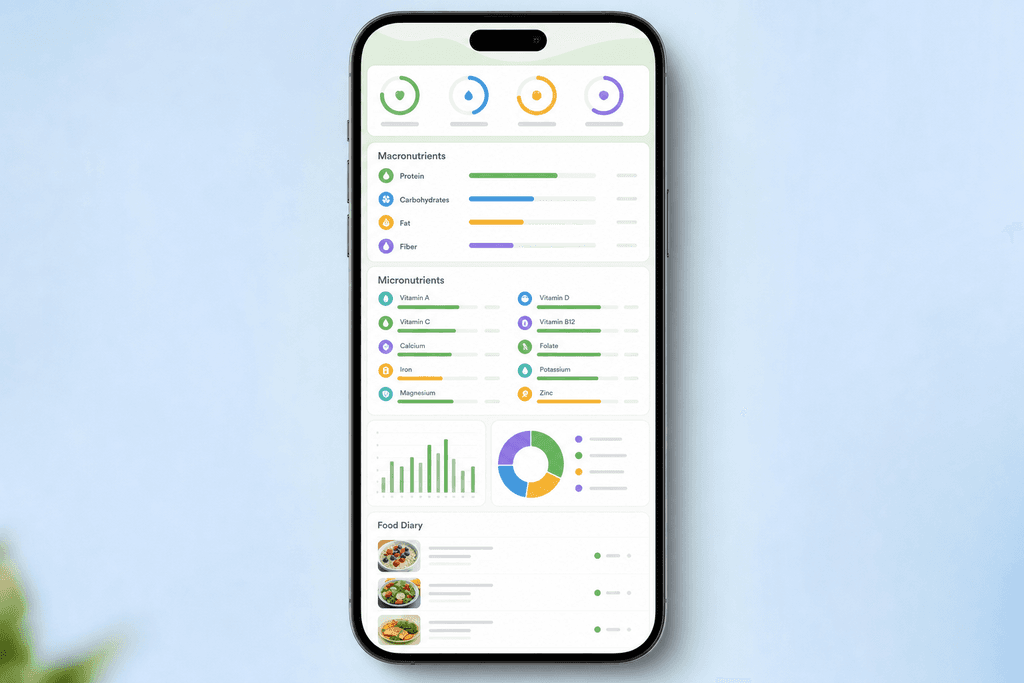
Here's what makes it stand out from the pack of calorie apps out there:
- Tracks 80+ vitamins and minerals, not just calories, protein, carbs, and fat
- Custom recipe builder so you can break down homemade meals into exact nutrient counts
- Biometric tracking for stuff like blood pressure, glucose, and sleep, all in one place
- Huge verified food database that includes restaurant chains and branded grocery items
The database is one of the bigger selling points. Cronometer sources its data straight from the USDA and other verified labs, so the numbers tend to be more accurate than crowd-sourced databases where anyone can submit a food entry. That's a real difference compared to apps like myfitnesspal.com, where entries are sometimes user-submitted and can be off.
| Feature | What It Tracks |
|---|---|
| Micronutrients | 80+ vitamins and minerals |
| Biometrics | Blood pressure, glucose, weight |
| Recipes | Custom recipe nutrient breakdown |
| Food Database | Verified USDA and branded data |
If you want to see the full rundown, Cronometer's own features page and app store listings lay out everything in more detail. If you want a side-by-side look at how it compares on features, pricing, and ease of use, our Cronometer vs other calorie counter apps breakdown makes that part a lot easier.
Cronometer Pricing and Plans
Before you download anything, it helps to know what you're actually getting for free versus what costs money. Cronometer runs on a freemium model, meaning the basic version is free forever, but the good stuff sits behind a paywall called Gold. For someone just starting out on a weight loss journey, the free version might be enough at first, but a lot of people end up wanting more control pretty quickly.
The free plan covers the basics: logging calories, tracking macros, and searching the food database. It's a solid starting point if you just want a general idea of your eating habits.
Gold unlocks the deeper features, like custom nutrient goals, an ad-free interface, and full biometric tracking. It's billed either monthly or yearly, with the yearly plan working out cheaper per month.
| Plan | Cost | Includes |
|---|---|---|
| Free | $0 | Basic calorie and macro logging |
| Gold | Monthly or yearly | Custom goals, no ads, biometrics |
For exact current pricing, it's worth checking Cronometer's own pricing and signup page directly since subscription costs tend to shift over time.
How to Sign Up and Download Cronometer
Getting started with Cronometer isn't complicated, but there are a few steps worth knowing ahead of time so you don't waste time fumbling around once you open the app. Whether you're on iPhone or Android, the process is pretty similar. Here's a simple walkthrough to get your account set up and your first meal logged before you even finish your coffee.
- Search "Cronometer" in the App Store (iOS) or Google Play (Android) and hit download
- Open the app and create a free account using your email or Google login
- Fill in your basic stats, like height, weight, and activity level
- Set your goal, whether that's weight loss, maintenance, or gain
- Log your first meal by searching the food database or scanning a barcode
Setting your goals accurately matters a lot here. Since Cronometer relies on manual entry for most things, the numbers you plug in at the start shape everything the app calculates afterward. Take your time on that step instead of rushing through it.
Who Else Might Cronometer Suit
Cronometer really shines for people who need detailed nutrient data, like athletes tracking electrolytes or people managing a medical condition where micronutrients matter. If that's you, the depth of information here is hard to beat. But for a lot of people just trying to lose a few pounds, all that detail can feel like homework.
Searching the database, weighing food, and logging every ingredient in a recipe takes time most people don't have on a busy weekday. That's exactly the gap MyFoodBuddy tries to fill, letting you just say what you ate out loud or type it quick, and the AI handles the nutrition math in seconds.
If you're curious about how voice logging stacks up against manual entry apps, this breakdown of voice-powered calorie tracker pros and cons walks through the tradeoffs. And if speed is really what you're after, check out these 3 fast ways to log meals with a calorie tracking app for some quick comparisons.
For anyone comparing tools before committing, this list of 7 questions to ask before using a calorie tracking app is worth a read before you settle on one.
Is Cronometer Worth the Time It Takes
Dietitians have used Cronometer for years, and that's not by accident. The app tracks over 80 micronutrients, which is way more than most calorie apps bother with. This makes it a solid pick for people who really want to dig into their vitamin and mineral intake, not just calories and macros. But that level of detail comes with a trade off, and it's worth talking about before you decide if it's right for you.
Here's a quick breakdown of what Cronometer does well and where it falls short:
- Pro: Highly accurate nutrient database pulled from trusted sources
- Pro: Trusted by health professionals and dietitians
- Pro: Great for tracking micronutrients, not just calories
- Con: Manual entry takes time, especially for home cooked meals
- Con: Searching and logging every ingredient gets old fast
- Con: Not built for people who want a quick daily habit
So who is this actually good for? If you're a data person who likes seeing every gram of magnesium and every milligram of B12, cronometer gives you that depth. But if you're just trying to hit a calorie goal and move on with your day, all that manual typing can feel like a chore you keep putting off.
This is where voice logging starts to make more sense. Instead of typing "grilled chicken breast, 6 ounces, with olive oil," you just say it out loud and let AI handle the math. Apps like MyFoodBuddy take this approach, letting people log meals in seconds by speaking or typing naturally, then pulling nutrition data automatically using USDA sources.
It's not that Cronometer does a bad job. It's that accuracy and speed are often a trade off, and most people give up on tracking not because the app is wrong, but because logging feels like homework. That's the real question to ask yourself before picking a tracker.
Wrap-up Getting Started With Cronometer
So here's the deal. Cronometer is a solid pick if you want to get into the weeds with your nutrient tracking, down to the exact milligrams of magnesium in your dinner. It's built for people who care about the details, not just the calorie count on the label.
Signing up takes maybe five minutes and it's free to start. You just need an email and a few basic details about yourself, and you're logging food within minutes.
But here's something worth thinking about before you download anything. If you're the type who wants results without spending your whole lunch break typing in ingredients, all that detail might slow you down more than help you. That's kind of the tradeoff nobody talks about upfront.
If speed matters more to you than tracking every single micronutrient, it's worth checking out a few fast ways to log meals that don't eat up your day. Some tools, like our app, let you just talk into your phone and get your calories logged in seconds instead of scrolling through databases.
Either way, the real question isn't which app has more features. It's which one you'll actually stick with a month from now. And that answer might surprise you.
Cronometer Signup and Download FAQs
Before you download any app, it's smart to know what you're getting into. Here are the questions people ask most about cronometer before they hit that download button.
Is Cronometer free to use
Cronometer has a free version, but it's pretty limited. You'll hit a wall fast if you want detailed micronutrient tracking or custom goals, since those features sit behind the Gold subscription paywall.
Which app stores have Cronometer
You can grab cronometer on both the Apple App Store and Google Play. It works on iPhone and Android phones without any issues.
Do you need an account to start tracking
Yes, you'll need to make an account with an email or social login before you can log a single meal. This is pretty standard across most calorie apps, including MyFoodBuddy, since your data needs somewhere to save.
Can you use Cronometer on desktop and mobile
Yes, cronometer works on desktop through a web browser and also has mobile apps. Some people like typing on a keyboard for detailed entries, then checking progress on their phone later.
That said, typing out every ingredient can get old fast. This is where MyFoodBuddy saves time, since you can just talk into your phone and let the app figure out the nutrition details. This is where you might want to consider the benefits of using MyFitnessPal instead, as detailed in our comparison of Cronometer vs MyFitnessPal for calories, macros and ease.
How to cancel a Cronometer Gold subscription
If you signed up through the app store, you'll need to cancel through your Apple or Google account settings, not inside the app itself. If you signed up on their website, you can cancel from your account page on cronometer.com.
- Apple users go to Settings, then Subscriptions
- Android users go to Google Play, then Subscriptions
- Web signups cancel directly on the cronometer account page
What if tracking still feels like a chore
Some people try a few apps before finding one that actually sticks. If manual entry and long food searches are wearing you down, MyFoodBuddy lets you log meals by voice or text in seconds, which cuts out most of the hassle. There's also a free 7-day trial if you want to test it out first.
Ready to start tracking smarter?
Download MyFoodBuddy and start tracking your calories by just saying what you ate. No more searching databases or guessing portions.
Get started