Cronometer Calorie Counter App Review and Download Guide
Cronometer calorie counter app: 4.8/5 rating, free barcode scanning & macro tracking. See features, pricing, and get the download link now.
The Cronometer calorie counter app is a free-to-start tracker that pulls from a verified food database, and it's rated 4.8 out of 5 from 182 reviews on the Saudi Arabia App Store, plus 4.7 out of 5 from 273 reviews on the Portugal App Store. If you're trying to drop pounds and you're tired of apps that charge you before you've even logged a meal, that free core tracking matters. You get barcode scanning, calorie counting, and macro and micronutrient logging without hitting a paywall, which is rare for this category. Anyone ready to try it can grab it straight from the official App Store listing and start logging today.
Table of Contents
What You Get For Free With Cronometer
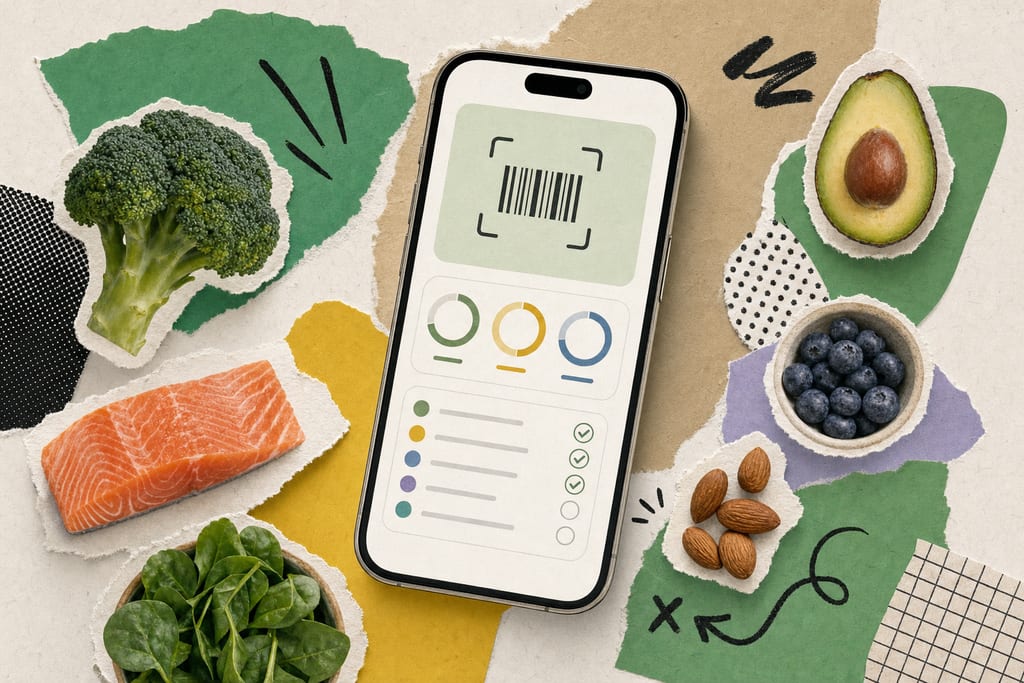
The free tier covers more than most trackers give you before asking for a card number. You get text-based food search, barcode scanning, and full calorie, macro, and micronutrient logging, all pulled from the verified food database. Cronometer's own developer has said no essential tracking feature sits behind a paywall, which matters if you're trying to lose weight and don't want to hit a wall mid-month.
Beyond basic logging, the free version lets you do a few things that usually cost extra elsewhere:
- Scan a nutrition label directly and have it auto-capture the data
- Import your own custom recipes instead of building them meal by meal
- Sync data from a Whoop band to factor calories burned into your totals
- Track micronutrients, not just calories and macros
That combination is worth comparing against other free tiers before you commit to a paid plan anywhere. If you want a side-by-side look at what counts as a must-have feature in this category, the rundown in essential features of user-friendly calorie apps is a useful reference point.
Gold Subscription Features And Cost
Gold Subscription is Cronometer's paid layer, and it unlocks Diary Groups along with an ad-free app. Diary Groups let you organize entries beyond the standard daily log, which some users want once they're tracking multiple goals at once.
The exact price could not be confirmed, so check the current listing before you assume a number. A few things to do before you decide:
- Open the App Store listing and look at the live subscription price
- Email support@cronometer.com to ask about a Gold trial before paying anything
- Compare what Diary Groups actually adds against your own tracking habits
- Decide if removing ads is worth the cost to you specifically
Since the trial route exists, there's no reason to subscribe blind. Email first, test the extras, then decide if Gold earns a spot in your routine.
Real User Ratings Before You Download
Ratings hold steady across regions, which says more than a single five-star review would. The Saudi Arabia App Store shows 4.8 out of 5 from 182 ratings, and the Portugal store shows 4.7 out of 5 from 273 ratings, both solid sample sizes for this kind of app.
A review dated May 18, 2024, called Cronometer easier to use than MyFitnessPal and pointed out that it lets you add foods missing from the database instead of forcing you into a generic entry. That's a real pain point for anyone counting calories closely while trying to lose weight. On the language side, the developer recently added Brazilian Portuguese and says it's continuing to add more languages.
Before you download, it's worth weighing these points against your own habits:
- Check if your language is supported or on the roadmap
- Read a few recent reviews from your own region's App Store
- Compare the database-editing feature against apps you've used before
- Note whether ads bother you enough to consider Gold
If you're weighing Cronometer against other AI-driven trackers, the comparison in exploring the best AI calorie counter apps covers how a few of them stack up, and MyFoodBuddy's voice logging is one option worth a look if typing every meal feels slow.
Should You Install It Today
Install the free version now. You lose nothing by trying it, since barcode scanning, calorie counts, and macro logging work without a card on file. Log a few meals this week and see if it fits how you actually eat. If Diary Groups or the ad-free screen catch your eye later, email support@cronometer.com and ask about a Gold trial before paying for anything. For a lower-effort route, apps like MyFoodBuddy let you log by voice instead of typing, which some people stick with longer once calorie tracking becomes a daily habit instead of a chore.
Cronometer Weight Loss Tracking Questions
Will Cronometer actually help me lose weight or is it just a logging tool?
It's a logging tool, and that's what makes it useful. Cronometer tracks what you eat and gives you accurate numbers, but the weight loss part still comes down to staying in a calorie deficit over time. The app won't coach you through that decision, so you need to set your own targets and check in on them regularly.
Can I switch from another app like MyFitnessPal without losing my progress?
Cronometer doesn't import your history from other apps, so you'll start your food log fresh. Your weight loss progress itself, meaning the pounds you've already lost, stays with you since that's tracked by your body, not the app. Most people just start a new log on day one and move forward from there.
What happens if a food I eat isn't in the database?
You can add it yourself. One review from May 2024 pointed out this is a real advantage over some other trackers, since you're not stuck forcing a close-enough match when the real item is missing. This matters if you cook a lot of homemade meals or eat foods that aren't common packaged items.
Ready to start tracking smarter?
Download MyFoodBuddy and start tracking your calories by just saying what you ate. No more searching databases or guessing portions.
Get started