
Cronometer Macro Tracker App Review 2026
Cronometer macro tracker app review: features, pricing, setup steps, and how it compares to MyFitnessPal. See if it fits your goals.
A Cronometer macro tracker app pulls its numbers from over 10 verified sources, including the USDA and the Nutrition Coordinating Center, instead of letting random users upload their own entries. That matters if you are trying to lose weight and your macros keep looking off even though you are logging every meal. Cronometer's database sits around 1.2 million entries, much smaller than MyFitnessPal's 14 million, but every one of those entries is checked rather than crowdsourced. What follows looks at how Cronometer works day to day, what setup involves, what it costs, and how it holds up against MyFitnessPal for someone trying to hit a calorie deficit without second-guessing every number on the screen.
Table of Contents
What You Get With Cronometer
Cronometer's free tier covers full macro and micronutrient tracking, which is the opposite of what most apps give away for nothing. You don't get stuck behind a paywall just to see your protein or your vitamin D for the day, which matters if you're trying to lose weight and need the whole picture, not a sliced-up version of it.
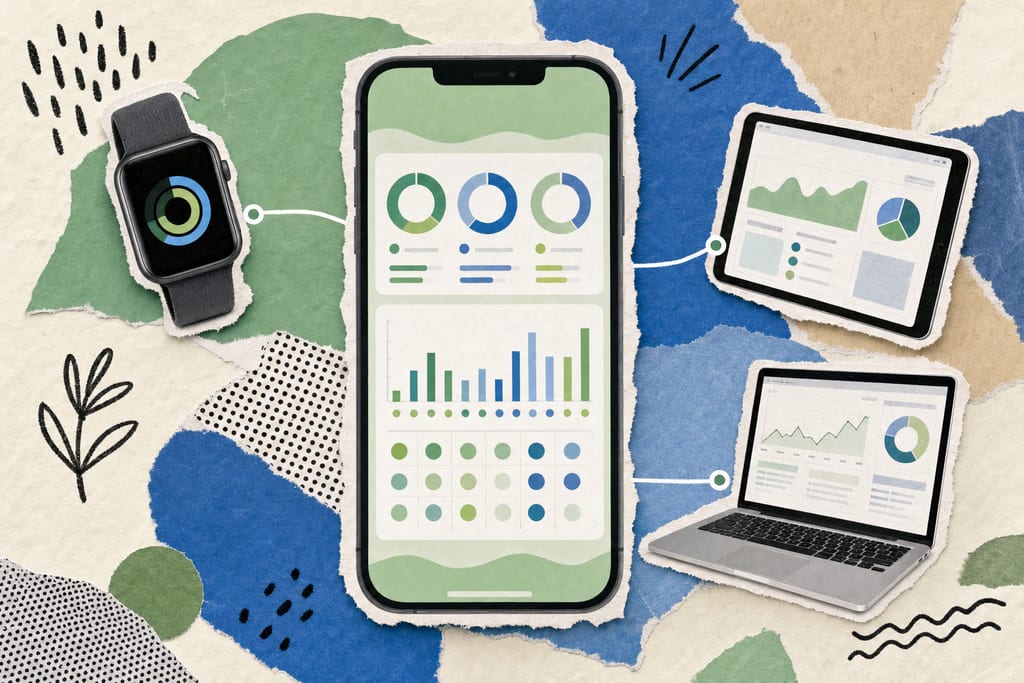
Beyond the smaller but verified database, Cronometer tracks 80+ micronutrients pulled from peer-reviewed sources like CNF and USDA SR Legacy, rather than relying on loose, user-submitted entries. Where you log and sync matters too, since the app isn't locked to your phone.
- Log meals from a web browser, an iPhone, or an Android device
- Sync activity and sleep data from Apple Health, Google Fit, or Samsung Health
- Pull workout data from wearables like WHOOP, Oura, or Garmin
- Check the Energy Summary in Target Mode or Balance Mode, depending on whether you want a daily goal view or a net-calorie view
That spread of integrations means your weigh-ins, your steps, and your meals can live in one place instead of three different apps you have to check separately.
Getting Cronometer Set Up on Your Phone
Setup starts with downloading the app from the App Store or Google Play, or skipping the app entirely and using the web version on a computer. From there you create an account and plug in your age, weight, height, and activity level, which the app uses to calculate your starting targets.
You can keep those calculated numbers or override them with your own macro or micronutrient goals, which matters if your doctor or coach gave you specific targets to hit. Once your goals are set, a short list gets you from a blank profile to your first logged meal.
- Link Apple Health, Google Fit, or a wearable like Garmin or Oura so activity syncs automatically
- Search foods by text against the NCCDB first, since it carries the fullest nutrient profile
- Switch to branded product search only when a packaged item isn't in the NCCDB
- Log your first meal and check that the macro breakdown matches what you expected
Cronometer notes that totals sometimes won't match the standard 4-4-9 rule for carbs, protein, and fat, because it uses food-specific energy values instead of rounding everything the same way. For readers comparing setup effort across apps before committing, questions to ask before using a calorie tracking app is worth a look.
Cronometer vs MyFitnessPal for Weight Loss
Price is the first thing most people check, and Cronometer Premium runs $9.99 a month or $54.95 a year, compared to MyFitnessPal Premium at $19.99 a month or $79.99 a year. That gap adds up fast if you're tracking for months while cutting.
MyFitnessPal also pulled barcode scanning out of its free tier in 2024, so free users there now log by hand searching, while Cronometer's free tier keeps every core feature intact. A 2022 Cronometer survey found that 64% of its users had tried MyFitnessPal before switching over.
- Check pricing: $9.99/mo or $54.95/yr for Cronometer versus $19.99/mo or $79.99/yr for MyFitnessPal
- Check database type: around 1.2 million verified entries versus 14 million-plus mostly user-submitted entries
- Check barcode access: included free on Cronometer, removed from MyFitnessPal's free tier in 2024
- Check micronutrient depth: 80+ tracked on Cronometer versus roughly 20 on MyFitnessPal
If your macros have been drifting even with consistent logging, cleaner source data is usually the reason, and apps built around voice or text input, like fast ways to log meals, aim to cut that friction down even further while keeping the data accurate.
Try The Free Tier Before You Pay For Gold
Start with the free version and log three normal days, the kind where you eat at your desk and grab something quick at night. Every meal means typing a food name and picking the right match from a list, which is slower than speaking a sentence into your phone. If that search step fits into your routine without you skipping entries by day three, the accuracy is worth the time. If you find yourself logging less because searching feels like a chore, that is useful information before you spend anything on Gold. Apps like MyFoodBuddy, which log meals from spoken or typed sentences, solve that specific friction if typing searches turns out to be the sticking point.
Cronometer Macro Tracking Questions
Why don't my logged calories match the standard 4-4-9 macro math?
Cronometer uses food-specific energy values instead of the flat 4 calories per gram for carbs and protein and 9 for fat. Some carbs run closer to 3.8 to 4.3 calories per gram depending on the food. That means your total can be off by a small amount from hand math, but the app's number is the more accurate one.
What's the difference between Target Mode and Balance Mode on the Diary screen?
Target Mode shows how close you are to your daily calorie goal based on what you have eaten. Balance Mode shows net energy, meaning calories eaten minus calories burned from synced activity. You switch between the two with a toggle in the top right of the Diary screen, depending on whether you want to watch intake or net balance for the day.
Is Cronometer Pro worth it if I'm not working with a dietitian or coach?
No, Cronometer Pro is built for dietitians and coaches managing clients, starting at $39.99 a month for up to 10 clients. If you are tracking your own meals to lose weight, the free tier or Gold at $9.99 a month covers everything you need. If searching food entries by hand feels slow, an app like MyFoodBuddy that logs meals from a spoken or typed sentence might fit your routine better than paying for a plan meant for professionals.
Ready to start tracking smarter?
Download MyFoodBuddy and start tracking your calories by just saying what you ate. No more searching databases or guessing portions.
Get started