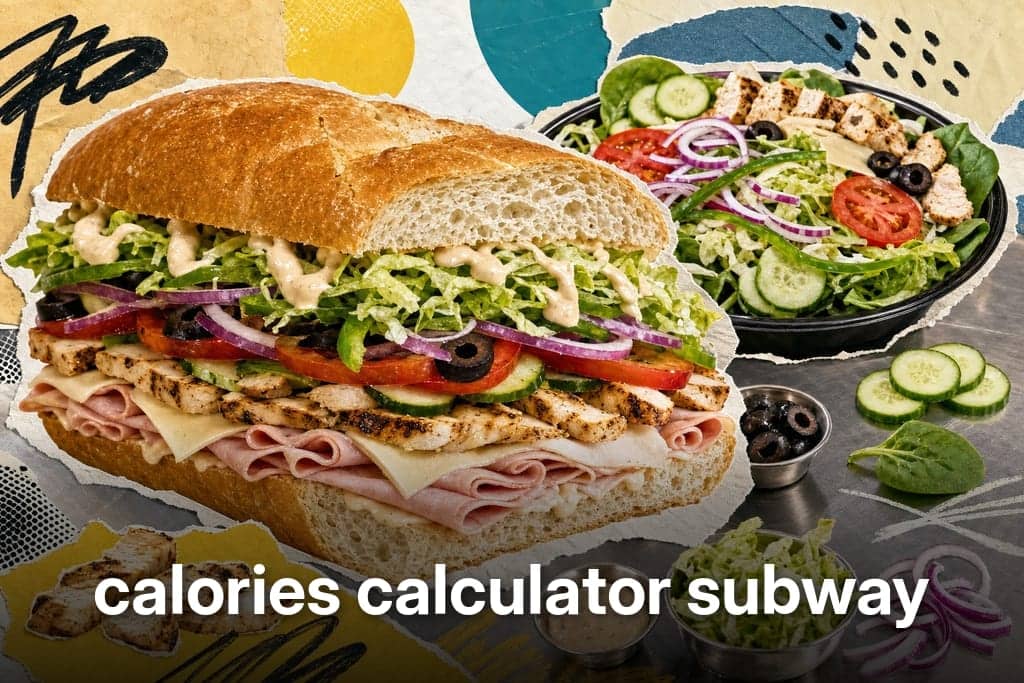
Subway Calories Calculator for Sandwiches and Salads
Use a Subway calories calculator to build your order and see totals instantly. Check sandwiches, salads, and wraps before you eat or log.
Yes, free calories calculator Subway tools exist online, and they let you build your exact order, sandwich by sandwich, before you ever walk up to the counter. Subway itself doesn't run one single interactive calculator for US customers. What it publishes instead are country-specific PDFs, printed nutrition guides for places like Australia, Canada, and Spain, not something you can click through and customize. Sites like Nutritionix and FastFoodNutrition.org fill that gap, letting you pick your bread, protein, cheese, and extras and watch the calories, carbs, and sodium update as you go. If you eat at Subway often and you're trying to drop weight, knowing those numbers before you order, not after, is what actually keeps you on track.
Table of Contents
Build Your Subway Order And Watch Calories Add Up
Start with the Nutritionix tool and you'll move through three steps: Build, Customize, and Your Basket. Each click updates calories, fat, carbs, sugar, and protein on the spot, so you see the running total before you confirm anything.
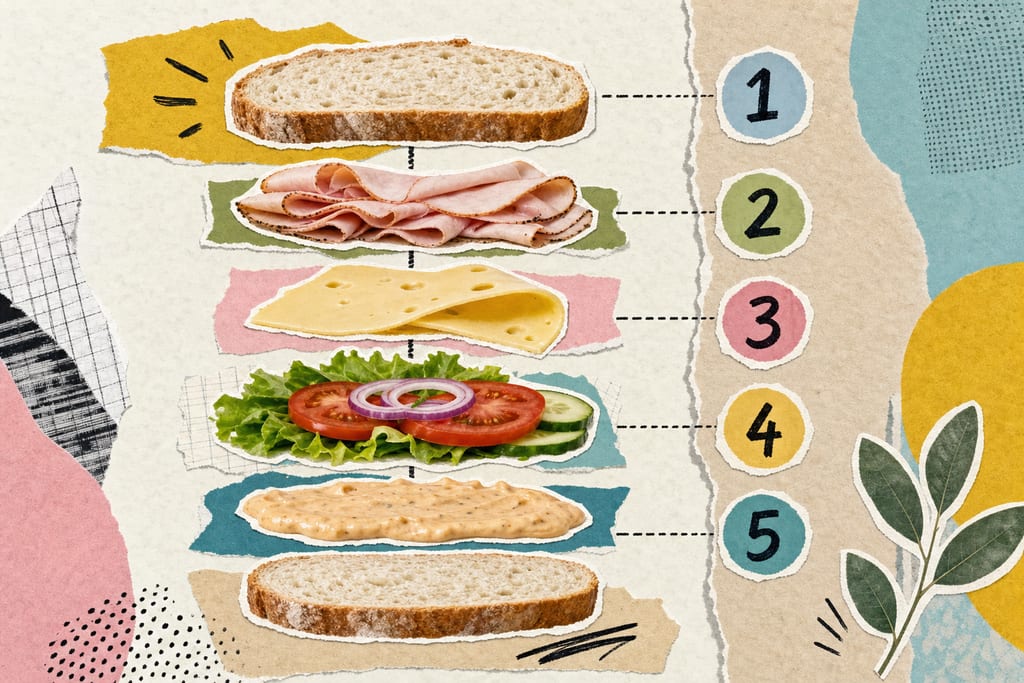
FastFoodNutrition.org works the same way but with a wider shelf to pick from, drawing on 49 sandwiches, 26 salads, 3 wraps, 10 breads, and 11 vegetable toppings. That range matters because small swaps change the math more than people expect.
- Swap a 6-inch for a footlong and the total roughly doubles
- Drop one cheese slice and you shave off a chunk of fat and calories
- Skip the sauce and you often cut more than any single topping
- Switch white bread for wheat and the calorie change is usually small, but sodium can shift
Both calculators let you save or share the built meal, which is handy if you're deciding between two orders before you leave the house. The running total changes the most with size, cheese, and sauce, not the vegetables, so start there if you're trying to trim a number down fast. Once you land on a number you like, logging it is the easy part, and tools like the ones covered in voice-powered calorie tracking for fast food orders can save that exact combo for next time.
Why Your Sandwich Total Can Still Be Off
A built number is close, not exact. Nutritionix says flat out that its Subway estimates can run up to 10% off from what actually lands on your tray, and that gap comes from a few real places.
- Subway hasn't shared data for daily-value percentages, so some nutrient fields stay blank on the calculator
- Counter staff don't always measure cheese or sauce to the gram, and heavy hands add up
- A sandwich maker's idea of "normal" sauce can double what the calculator assumes
- Menu items get reformulated or pulled, so the tool reflects its last data update, not necessarily what's behind the glass today
None of that makes the tools useless. It just means the number you build is a solid estimate, not a lab result, and portion habits at the counter are the biggest reason it drifts. If you're logging meals daily to hit a weight goal, that 10% window is worth knowing once and then not worrying about every time.
Pick Your Order Before You Pick Up The Phone
Decide your sandwich or salad at home, before you're standing in line or tapping through the app. That one habit cuts down on the extra cheese or extra sauce that gets added on impulse when you're hungry and the menu board is right in front of you.
Use the calculator to compare a few versions side by side instead of guessing.
- Run the same sandwich with and without cheese
- Compare wheat bread against a flatbread option
- Check a salad version of your usual sandwich fillings
- Note the calorie gap between a 6-inch and a footlong of the same build
Salads and wraps go through the same build-and-check process as sandwiches, so there's no separate guesswork for those orders. Walking in with a planned number already decided makes it a lot easier to say no to the "want to add avocado for a dollar more" question at the counter. For logging that planned meal without retyping it every time, something like a user-friendly calorie counting app can save the build as a favorite for one-tap repeat.
Type Your Build Instead Of Guessing Later
A calculator total only helps if it makes it into your daily log the same day, not from memory after dinner. Once you've built your sandwich or salad and know the number, say it out loud or type it into MyFoodBuddy and it pulls the calories, carbs, and protein for you, no manual math, no retyping grams of cheese or sauce. That's the whole point of doing the build first: you walk away with a real number, and logging it takes seconds instead of a guess tomorrow.
Subway Calorie Calculator Questions
Can I use the same calculator for a salad or wrap instead of a sandwich?
Yes. Both FastFoodNutrition.org and Nutritionix treat salads and wraps as their own menu category, not an afterthought bolted onto the sandwich builder. You pick your base, protein, and toppings the same way, and the totals update the same way. If you're trying to cut calories by skipping bread, this is the easiest way to see exactly how much that swap saves.
What happens if Subway doesn't list my local menu item in these calculators?
If an item is missing, it usually means the calculator's data hasn't caught up with a regional or limited-time menu change. Your best move is to build the closest match using similar bread, protein, and toppings, since those three choices drive most of the calorie total anyway. For official country-specific numbers, Subway's own PDFs for places like Australia, Canada, and Spain are the backup source, though they're static guides, not something you click through.
Should I trust the calculator number over what I log by guessing in my tracking app?
Trust the calculator number. A built total, even with its small margin of error, beats a guess typed in from memory hours later. Guessing tends to undercount cheese, sauce, and size, the exact things that swing a sandwich's calories the most. Build it first, then log that same number right away so it doesn't get rounded down in your head by the time dinner's over.
Ready to start tracking smarter?
Download MyFoodBuddy and start tracking your calories by just saying what you ate. No more searching databases or guessing portions.
Get started