
Best AI Calorie Tracker Apps Compared
Compare the best AI food calorie tracker apps for photos, voice, and text logging. Find the right fit for your weight loss goals today.
Most people trying an AI food calorie tracker app are not asking whether it works, they are asking which one is worth their time. That matters because most diet apps get deleted within a few weeks, not because people stop caring about their weight, but because typing in every meal, searching food databases, and weighing portions gets old fast. The newer wave of apps fixes that by letting you just say what you ate, snap a photo of your plate, or type a quick sentence, and the AI figures out the calories and macros behind it. That can cut logging down to a few seconds a meal instead of a few minutes, which is often the real reason one app sticks and another gets abandoned on your home screen. The apps below get compared on how well they actually pull that off, not just on what they promise in the app store listing.
Table of Contents
How AI Trackers Actually Read Your Meals
Text and voice apps run your words through a language model that pulls out portion size and ingredients, then matches them against a nutrition database like USDA. The matching step is where most of the work happens, not the AI itself.
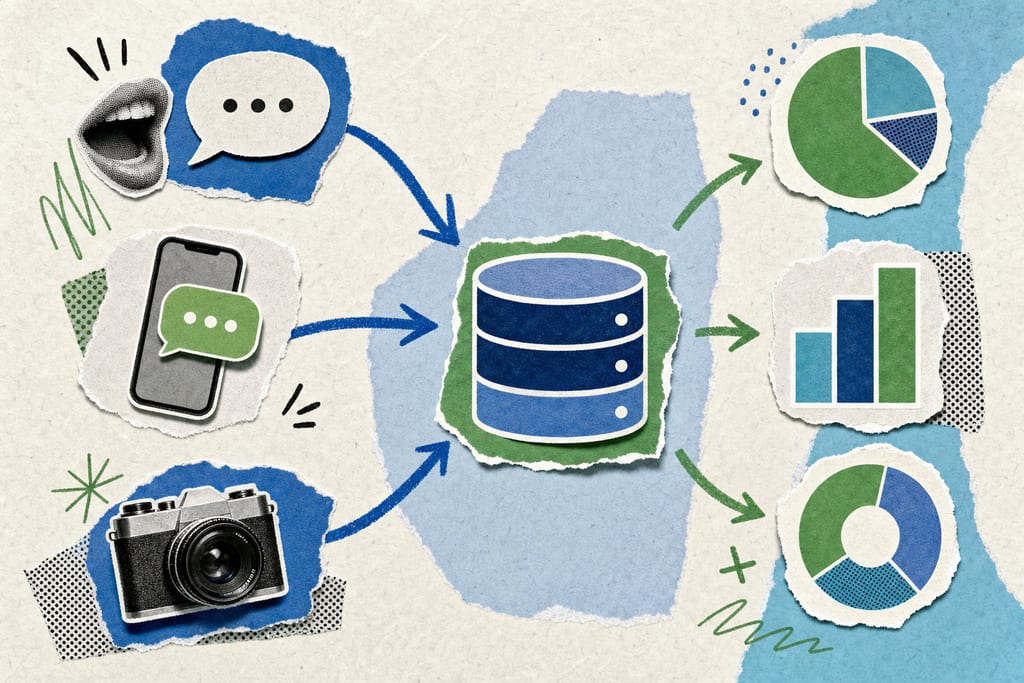
Photo trackers use image recognition to guess what's on your plate, but they struggle with mixed dishes, sauces, and oil used in cooking. A stir fry with hidden oil can look like a low-calorie dish when it's actually loaded with fat calories the camera never sees.
Barcode scanning stays the most accurate input method because it pulls exact numbers straight off the package label, no guessing involved. Accuracy depends on the database behind the app, not just how smart the AI sounds, so two apps using the same AI model can still give you different calorie counts for the same meal.
- Voice and text: good for homemade meals, depends on database match quality
- Photo recognition: fast but weak on sauces, mixed dishes, and hidden oils
- Barcode scanning: most accurate, limited to packaged food
- Manual search: slowest, but gives you full control over exact entries
Top AI Calorie Tracker Apps Ranked
MyFoodBuddy handles meals through voice or text, pulling nutrition data from a USDA-backed database and syncing with Apple Health, priced at $39 a year after a 7-day trial. It's built for people who want to log a meal in a few seconds and move on with their day.
MyFitnessPal has one of the largest food databases around, with basic photo logging layered on top, but manual search is still common once you move past well-known brands. Cal AI leans fully on photo estimates, which works fine for a quick snapshot but gets shaky on homemade or mixed meals. Lose It! pairs barcode scanning with photo logging under a subscription model, which suits anyone who buys a lot of packaged groceries. Cronometer skips the shortcuts entirely and focuses on manual entry for micronutrient detail, which costs you time but gives lab-level accuracy.
| App | Input Methods | Pricing | Best For |
|---|---|---|---|
| MyFoodBuddy | Voice, text | $39/year after trial | Fast daily logging |
| MyFitnessPal | Search, basic photo | Free tier, paid upgrade | Brand-name packaged foods |
| Cal AI | Photo | Subscription | Quick photo estimates |
| Lose It! | Barcode, photo | Subscription | Grocery-heavy trackers |
| Cronometer | Manual entry | Free tier, paid upgrade | Micronutrient accuracy |
If you want a side-by-side breakdown of how these apps score on more than pricing, what makes the best AI calorie counter digs into the ranking criteria in more detail.
Matching The Right Tracker To Your Goal
The right app comes down to which habit you'll actually repeat every day, not which one has the longest feature list. If typing out meals feels like a chore, voice-first logging saves the most time over a week of daily entries.
If most of what you eat comes from packaged food, a barcode-strong app like Lose It! or MyFitnessPal will serve you better than a photo tracker ever will. If you have a medical reason to track micronutrients closely, Cronometer's manual entry is worth the extra minutes per meal.
If you snap photos of home-cooked meals, plan on double-checking the AI's estimate against what you actually used, especially for oil and sauce. Pick the one input method you'll still be using in three months, since that's the only one that actually affects your results.
- Hate typing: go voice-first
- Mostly packaged food: go barcode-first
- Need micronutrient detail: go manual entry
- Cook at home often: expect to adjust photo estimates
Pick The App You Won't Quit On In Week Three
Weight loss only works if the logging habit outlasts your motivation, so judge each app on whether you'll still open it on a tired Tuesday, not on how many features sit in its settings menu. If you've deleted a tracker before because typing meals felt like homework, an app like MyFoodBuddy, built around speaking or typing a quick sentence, removes that exact friction. Before you commit to a year of any app, run its free trial for a week and log real meals, not test ones, then see if you kept it open on day seven.
Calorie Tracker Questions Before You Switch
Can AI calorie trackers be wrong about home-cooked meals with no clear recipe?
Yes, especially with dishes that mix several ingredients or use oil, butter, or sauce you didn't measure. Voice and text apps do better here than photo apps because you can describe the cooking method, like "fried in a tablespoon of oil," and the AI factors that in. A rough description still beats guessing from a photo.
Do I need to double-check AI logged meals against a food scale to lose weight successfully?
Not every day, but it helps once or twice a week for meals you eat often. Weighing a serving of rice or chicken a couple of times teaches you what that portion looks like on your plate, so your voice or text logs get more accurate without needing the scale every time. After that, trust your eye.
What happens to my logged data if I cancel my subscription or switch apps?
Most apps, including MyFoodBuddy, let you export your logged meals and history before you cancel, though the export format and how far back it goes is set by each app's own policy. If switching trackers, pull your data out first and keep it, since you'll lose easy access to past logs once the subscription ends.
Ready to start tracking smarter?
Download MyFoodBuddy and start tracking your calories by just saying what you ate. No more searching databases or guessing portions.
Get started