What Is Cronometer and How Does It Track Intake
Discover what Cronometer is, how it tracks nutrition, and whether simpler alternatives like MyFoodBuddy might better fit your lifestyle.
Most nutrition apps track calories and maybe a handful of macros, but Cronometer monitors over 80 micronutrients including vitamins, minerals, and amino acids that other trackers completely ignore. This level of detail has made it a favorite among serious fitness enthusiasts and people managing specific health conditions, though it comes with a trade-off: logging meals takes considerably more time than simpler alternatives like MyFoodBuddy, which uses voice input to calculate nutrition in seconds. Understanding what Cronometer actually does and how it works can help you decide if its comprehensive tracking is worth the extra effort.
Table of Contents
- How Cronometer Became a Nutrition Tracking Powerhouse
- What Makes Cronometer Different from Other Apps
- How Cronometer Tracks Your Nutrition Intake
- The Reality of Using Cronometer Daily
- Is Cronometer Right for Your Tracking Style
- Finding Your Perfect Nutrition Tracking Match
- Common Questions About Cronometer
How Cronometer Became a Nutrition Tracking Powerhouse
Back in 2011, a software developer named Aaron Davidson got tired of nutrition apps that couldn't tell him much beyond basic calories and macros. He wanted to know about his micronutrients too, like whether he was getting enough magnesium or vitamin K. So he built Cronometer, a tool that could track over 80 different nutrients using data from the USDA and other scientific databases. What started as a personal project turned into one of the most detailed nutrition trackers available today.
The Early Days and Database Foundation
Cronometer launched as a web-only platform focused on one thing: accuracy. While other apps let users create their own food entries (which often had mistakes), Cronometer stuck to verified databases. This made it slower to grow at first, but it earned trust from people who actually cared about precise tracking.
The app pulled its information from some pretty reliable sources:
- USDA National Nutrient Database for standard foods
- Nutrition Coordinating Center Food & Nutrient Database (NCCDB)
- Canadian Nutrient File for international coverage
- Verified restaurant and brand data
Finding Its Crowd
Cronometer didn't try to appeal to everyone. Instead, it found a home with people who needed detailed tracking for specific diets. The keto community loved it because it tracked net carbs accurately. Biohackers used it to optimize their micronutrient intake. People with medical conditions relied on it to monitor specific nutrients their doctors told them to watch.
These groups shared a few things in common:
- They needed more than just calorie counts
- They were willing to spend time logging food carefully
- They valued data accuracy over convenience
- They often tracked other health metrics alongside food
| Year | Milestone | User Base |
|---|---|---|
| 2011 | Web platform launch | Early adopters |
| 2014 | Mobile apps released | Growing niche |
| 2017 | Premium features added | Dedicated community |
| 2023 | Over 80 nutrients tracked | Millions of users |
The Convenience Problem
Here's where things get tricky. Cronometer became known for being incredibly thorough but also incredibly time-consuming. Users had to search for foods, adjust serving sizes, and manually enter custom recipes. A single meal could take several minutes to log properly. This level of detail worked great for dedicated trackers, but it made the app tough for regular people who just wanted quick answers.
That's why apps like MyFoodBuddy take a different approach. Instead of making you search through databases and measure everything, you just say what you ate and the app figures out the rest. It's the difference between spending five minutes logging breakfast or spending five seconds. Both methods track nutrition, but one fits way better into a busy life.
What Makes Cronometer Different from Other Apps
Most nutrition apps pull their food data from user submissions, which means you might be logging a burger that someone else guessed had 500 calories when it actually had 800. Cronometer takes a different approach by using verified databases like the USDA, NCCDB, and CRDB. This means when you log an apple, you're getting data that scientists actually measured in a lab, not what someone typed in while standing in their kitchen. The difference matters more than you might think, especially if you're trying to hit specific health goals.
What Makes Cronometer Different from Other Apps
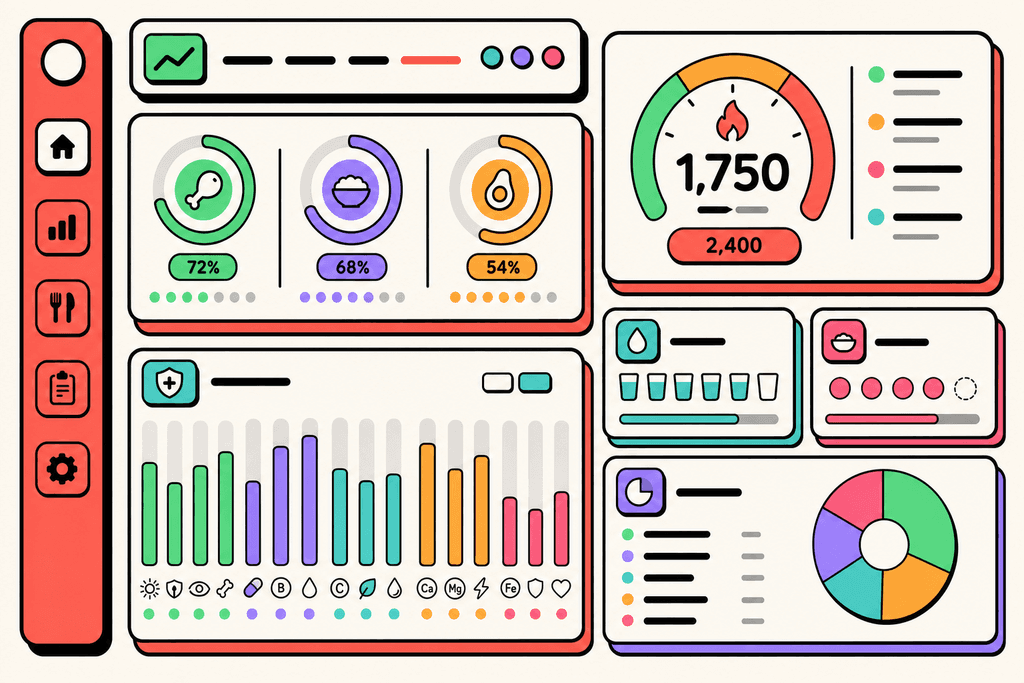
The app goes way beyond just counting calories. While most trackers stop at the basics, Cronometer monitors over 80 micronutrients including vitamins, minerals, and even amino acids. You can see if you're getting enough vitamin K, zinc, or omega-3s throughout your day.
- Verified food databases ensure accuracy instead of relying on user-submitted data
- Biometric tracking lets you log weight, blood pressure, and body measurements
- Detailed nutrient reports show exactly where you stand with every vitamin and mineral
- Free version available with optional Gold subscription for advanced features
The platform also offers detailed charts and reports that break down your nutrition in ways most apps don't bother with. You can track patterns over weeks or months to see if you're consistently low on certain nutrients.
| Feature | Free Version | Gold Subscription |
|---|---|---|
| Food Database Access | Full access | Full access |
| Nutrient Tracking | 80+ nutrients | 80+ nutrients |
| Barcode Scanning | Limited | Unlimited |
| Custom Recipes | Basic | Advanced features |
| Data Export | No | Yes |
How Cronometer Tracks Your Nutrition Intake
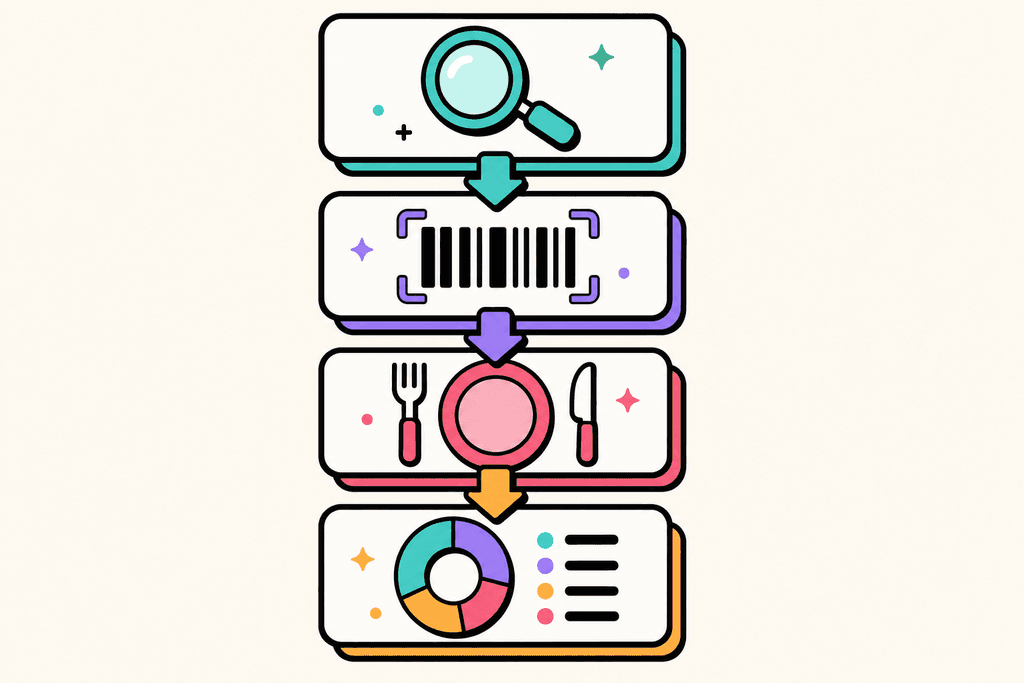
When you open Cronometer to log a meal, you start by searching their database manually. Type in what you ate, select the right item from the list, and adjust the portion size to match what you actually consumed. The app calculates everything in real-time, showing you how each food affects your daily nutrient goals. It's thorough, but it requires you to know exactly what you're looking for.
How Cronometer Tracks Your Nutrition Intake
For packaged foods, the barcode scanner speeds things up a bit. Point your phone camera at the barcode, and the app pulls up the nutrition info. You still need to confirm the serving size, but it beats typing everything out.
The recipe builder is where things get interesting. You can enter all the ingredients for your homemade meals, and Cronometer calculates the nutrition per serving. Save it once, and you can log it again with a single tap. This works great if you eat the same meals regularly.
- Search the extensive food database manually
- Scan barcodes on packaged items
- Create custom recipes with multiple ingredients
- Adjust portions using grams, ounces, or cups
- View real-time updates on your nutrient goals
- Sync with fitness trackers and health apps
The app integrates with various fitness trackers and health apps, pulling in your exercise data and adjusting your calorie targets accordingly. Everything updates automatically as you log throughout the day, giving you a complete picture of your nutrition status.
The Reality of Using Cronometer Daily
Here's what nobody tells you upfront about Cronometer. Logging a single meal takes about 5 to 10 minutes if you want to be accurate. You need to search for each ingredient, select the right database entry, measure your portions, and adjust serving sizes. For a simple breakfast of eggs and toast, you're looking at multiple searches and selections. The data you get is incredibly detailed, but the time investment adds up quickly across three meals a day.
The learning curve is steeper than most nutrition apps. There are dozens of features, multiple database options for the same food, and various ways to track biometrics. It takes weeks to feel comfortable with all the functionality.
Manual entry becomes tedious when you just want to quickly log what you ate. There's no voice logging option, which means you're always typing or tapping. If you're eating out or having a meal with multiple components, the process can feel like a chore.
| Aspect | Cronometer | Modern Alternatives |
|---|---|---|
| Time per meal | 5-10 minutes | Under 1 minute |
| Input method | Manual only | Voice and text |
| Learning curve | Steep | Minimal |
| Best for | Detail-oriented users | Busy lifestyles |
That said, Cronometer excels for people who genuinely want granular nutrient data. If you're tracking specific vitamins or managing a health condition that requires precise monitoring, the detail level is unmatched. But for casual dieters or people with busy schedules, the manual process can become overwhelming.
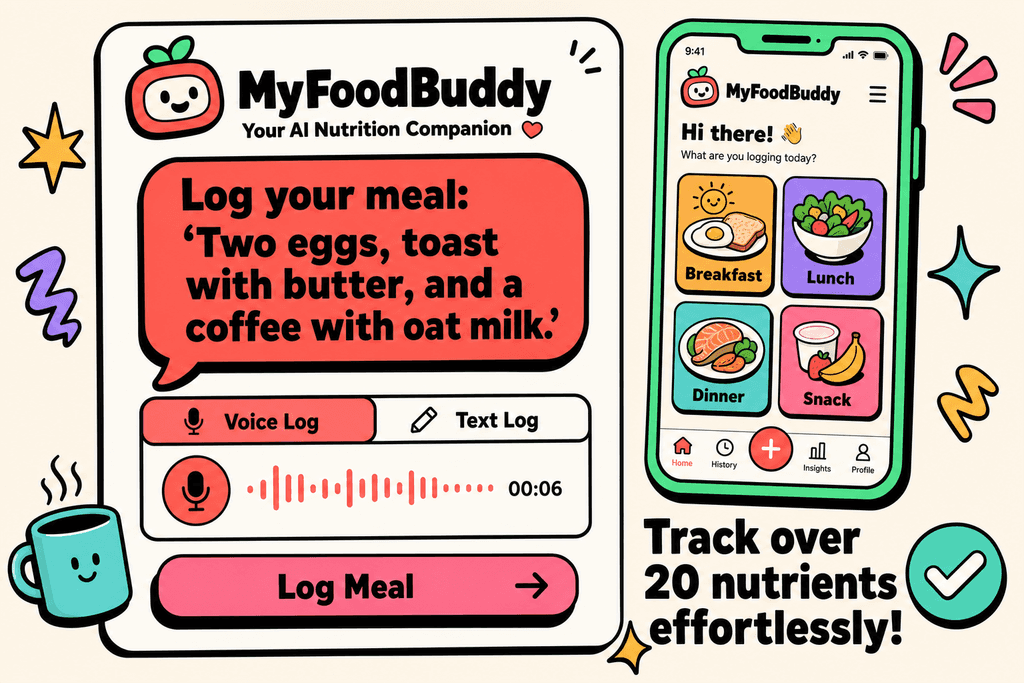
This is where apps like MyFoodBuddy offer a different approach. Instead of searching and selecting each item, you can simply say "two eggs, toast with butter, and a coffee with oat milk" and the app handles the calculations using AI and USDA data. The voice-powered tracking cuts logging time from minutes to seconds, which makes a real difference when you're trying to stay consistent.
The question isn't whether Cronometer is good at what it does. It absolutely is. The question is whether you have the time and patience to use it every single day. For many people, the accuracy doesn't matter if they stop tracking after two weeks because the process feels too demanding. If you want to learn more about efficient tracking methods that fit into busy schedules, there are options designed specifically for that purpose. If you want to explore more efficient tracking options, read our Cronometer review and alternatives for calorie tracking.
Is Cronometer Right for Your Tracking Style
The average person spends 15-20 minutes per day logging food in detailed tracking apps like Cronometer. That's over two hours per week just recording what you ate. While Cronometer excels at providing comprehensive nutritional data, it's built for a specific type of user who values precision over speed. Understanding whether you fit that profile can save you from weeks of frustration with an app that doesn't match your lifestyle.
Time Investment Reality: Studies show that 73% of users abandon detailed calorie tracking apps within the first month, primarily citing time consumption as the main reason.
Who Thrives with Cronometer
Cronometer works best for people who treat nutrition tracking like a science project. If you're managing a specific health condition or training for competitive athletics, the detailed micronutrient data becomes genuinely valuable.
- Individuals tracking medical conditions like diabetes or kidney disease who need precise nutrient monitoring
- Competitive athletes optimizing performance through specific macro and micronutrient ratios
- People following specialized diets (keto, carnivore, vegan) who need to track unusual nutrients
- Data enthusiasts who enjoy analyzing charts and detailed nutritional breakdowns
When Cronometer Becomes a Burden
The reality is that most people just want to know if they're eating too much or hitting their protein goals. They don't need to know their molybdenum intake or track 20+ micronutrients daily.
- Busy professionals who eat on the go and can't spend time searching databases
- Parents juggling multiple responsibilities throughout the day
- Anyone who's tried tracking before and quit because it felt like a part-time job
- People who want accountability without becoming obsessed with every nutritional detail
User Retention Gap: Apps requiring manual database searches retain only 12% of users after 90 days, compared to 45% retention for voice-based logging apps.
Matching Tools to Your Actual Goals
Your tracking tool should match your actual goals, not what you think you should be doing. If your goal is simply maintaining a calorie deficit or hitting basic macros, you don't need laboratory-level precision. Apps like MyFoodBuddy let you log meals in seconds using voice commands, which means you're more likely to actually stick with tracking long-term. The best tracking system is the one you'll actually use consistently, not the one with the most features you'll never touch.
Finding Your Perfect Nutrition Tracking Match
So what is Cronometer really best for? If you're someone who needs to track every single vitamin and mineral because of specific health conditions or athletic performance goals, it's probably worth the time investment. The app gives you access to over 80 nutrients, which is way more detailed than most people actually need. But here's the thing: all that detail comes at a cost, and that cost is your time.
Most people don't need to know their exact riboflavin intake every single day. They just want to track their caloric and protein intake efficiently without spending 10 minutes logging breakfast. If you're in that camp, you might want to consider whether detailed micronutrient tracking is actually helping you reach your goals or just making the process harder to stick with.
The good news is that voice-powered alternatives exist that can log your meals in seconds instead of minutes. MyFoodBuddy, for instance, lets you just say what you ate and handles all the calculations automatically, which means you spend less time tracking and more time actually living your life.
Think about your actual lifestyle and what you really need from a tracking app. Do you have time to weigh every ingredient and search through databases? Or do you need something that works while you're rushing between meetings? The best tracker is the one you'll actually use consistently, not the one with the most features. Your tracking method should fit your life, not the other way around.
Common Questions About Cronometer
If you're looking into what is Cronometer and whether it fits your needs, you probably have some questions about how it actually works. People switching from other apps or trying calorie tracking for the first time often wonder about the same things. Here are the most common questions people ask before deciding if Cronometer is right for them.
Is Cronometer free or paid?
Cronometer offers both a free version and a paid Gold subscription that costs around $50 per year. The free version gives you basic tracking features, but many of the more advanced analytics and customization options are locked behind the paid tier. If you want full access to all the nutrition data and insights, you'll need to upgrade.
How accurate is Cronometer's nutrition data?
Cronometer pulls from verified databases like the USDA and NCCDB, which makes it one of the more accurate tracking apps available. The data is generally reliable for whole foods and common items. However, like any tracking app, the accuracy depends on you selecting the right portion sizes and food entries, which can still take time to get right.
Can you use voice to log food in Cronometer?
No, Cronometer doesn't have built-in voice logging. You need to manually search for foods and add them one by one, which can take several minutes per meal. If you're looking for voice logging, apps like MyFoodBuddy let you just say what you ate and the AI handles the rest, turning a five-minute task into a few seconds.
What's the difference between Cronometer and MyFitnessPal?
Cronometer focuses on micronutrient tracking and data accuracy, while MyFitnessPal has a larger food database but less verified entries. Cronometer is better if you care about tracking vitamins and minerals in detail. MyFitnessPal is easier for finding restaurant foods and packaged items. Both require manual searching and logging, which is where newer apps have found ways to save time.
Does Cronometer work with Apple Health?
Yes, Cronometer syncs with Apple Health to pull in activity data and push nutrition information. This integration helps you see a more complete picture of your health metrics in one place. Most modern tracking apps offer this feature now, so it's pretty standard across the board.
How long does it take to log meals in Cronometer?
Most people spend 3-5 minutes logging each meal in Cronometer because you need to search for each ingredient, verify the entry, and adjust portion sizes. For a full day of eating, that adds up to 15-20 minutes of logging time. This is actually one of the biggest reasons people stop tracking after a few weeks, even though the data itself is good quality.
Ready to start tracking smarter?
Download MyFoodBuddy and start tracking your calories by just saying what you ate. No more searching databases or guessing portions.
Get started