
Macronutrient Calculator Mistakes Sabotaging Your Weight Loss
Avoid common macro calculator mistakes that stall weight loss. Learn how to set accurate protein, carb, and fat targets for real results.
You punch your stats into a macronutrient calculator for weight loss, get your numbers, and follow them religiously for weeks. The scale doesn't budge. What most people don't realize is that a single wrong setting in that calculator can throw off your daily calorie target by 300-500 calories, which is enough to completely stall your progress.
Table of Contents
Understanding Macronutrient Calculators
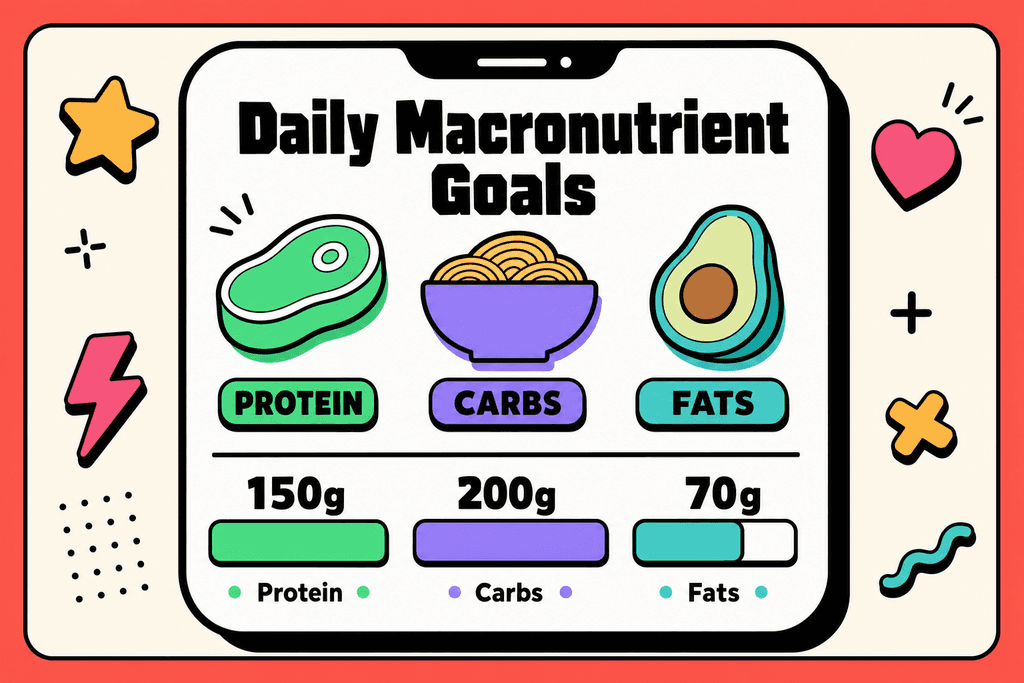
Most people trying to lose weight have typed their stats into at least one online calculator, hoping to find the magic numbers that'll finally work. A macronutrient calculator is basically a tool that tells you how many grams of protein, carbs, and fat you should eat each day based on your personal information. These calculators have become super popular because they promise to take the guesswork out of dieting. Instead of just counting calories, you get specific targets for each type of food your body needs.
How These Calculators Actually Work
When you plug your information into a macronutrient calculator for weight loss, it's doing some math behind the scenes. The calculator first figures out your Total Daily Energy Expenditure, which is just a fancy way of saying how many calories you burn in a day. Then it splits those calories into protein, carbs, and fat based on different formulas.
Here's what most calculators ask you for:
- Your age, weight, and height
- How active you are during the day
- Whether you want to lose, gain, or maintain weight
- Sometimes your body fat percentage
Why Different Calculators Give Different Answers
You've probably noticed that if you use three different calculators, you might get three different sets of numbers. That's because each one uses its own formula to estimate your needs. Some use the Harris-Benedict equation, others prefer Mifflin-St Jeor, and some have their own special sauce.
| Calculator Type | Formula Used | Best For |
|---|---|---|
| Basic TDEE | Mifflin-St Jeor | Average adults |
| Athletic Focus | Katch-McArdle | People who know body fat % |
| Traditional | Harris-Benedict | General population |
| AI-Powered | Adaptive algorithms | Personalized tracking |
Apps like MyFoodBuddy skip the confusing calculator step entirely by using AI to track your actual eating patterns and adjust recommendations based on real results. Instead of relying on estimates from a generic formula, the app learns from what you're actually eating and how your body responds.
The Problem With One Size Fits All Formulas
These calculators treat everyone like they're the same, but your body doesn't work from a textbook. Two people with identical stats can have completely different metabolisms. The formulas also can't account for things like stress, sleep quality, or hormonal issues that affect how your body uses food.
What makes this tricky is that the numbers look scientific and precise. When a calculator spits out "1,847 calories with 138g protein, 184g carbs, and 62g fat," it feels like the answer. But those decimals don't mean the formula actually knows your body.
Overestimating Your Activity Level
Most people using a macronutrient calculator for weight loss make the same mistake right at the start. They click "moderately active" when describing their lifestyle, thinking their three gym sessions per week qualify them for that category. The truth is, activity levels in these calculators aren't about your workout routine at all. They're measuring your consistent daily movement throughout the entire day, and that gym hour doesn't count as much as you think it does.

Overestimating Your Activity Level
Here's what really happens when you overestimate. That single selection can add 300-500 extra calories to your daily target, which completely wipes out the deficit you need for weight loss. You could be tracking every meal perfectly, hitting your macros exactly, and still wondering why the scale won't budge.
| What You Select | What It Actually Means | Real-Life Example |
|---|---|---|
| Sedentary | Little to no exercise | Desk job, minimal walking |
| Lightly Active | Light exercise 1-3 days/week | Desk job + gym 3x weekly |
| Moderately Active | Moderate exercise 6-7 days/week | Active job like nursing |
| Very Active | Hard exercise daily + active job | Construction worker who also trains |
Even people who work out 3-4 times per week are often only "lightly active" at best. If you sit at a desk for eight hours, drive to and from the gym, then spend your evening on the couch, you're sedentary for about 22 hours of your day. Those two hours of activity don't magically transform your entire lifestyle category.
This is exactly why so many people don't lose weight despite tracking perfectly. The numbers they're aiming for are inflated from the start, and no amount of accurate food logging can fix a broken foundation.
Using Outdated or Incorrect Body Stats
Your body changes as you lose weight, but your macro targets won't update themselves. Many people set their macros once when they're excited about starting their weight loss journey, then never touch those settings again. The problem is that a 200-pound person needs significantly more calories than a 180-pound person, even if everything else stays the same. Your metabolism adjusts downward as you get lighter, which means those initial macro targets become less accurate with every pound you lose.
Using Outdated or Incorrect Body Stats
The way you measure also matters more than you'd think. Weighing yourself with clothes on one day and without them the next creates inconsistencies that throw off your calculations. Checking your weight in the morning versus evening can show a difference of several pounds just from water and food weight.
- Recalculate your macros every 10-15 pounds of weight loss
- Weigh yourself at the same time each day, preferably first thing in the morning
- Use the same scale in the same spot on your floor
- Update your stats in your tracking app every 4-6 weeks minimum
- Account for muscle gain if you're strength training regularly
Not accounting for muscle gain versus fat loss skews the calculations too. If you're building muscle while losing fat, the scale might not move much, but your body composition is changing. Standard macro calculators don't know the difference between muscle and fat when you enter your weight, which is why the numbers can feel off even when you're making progress.
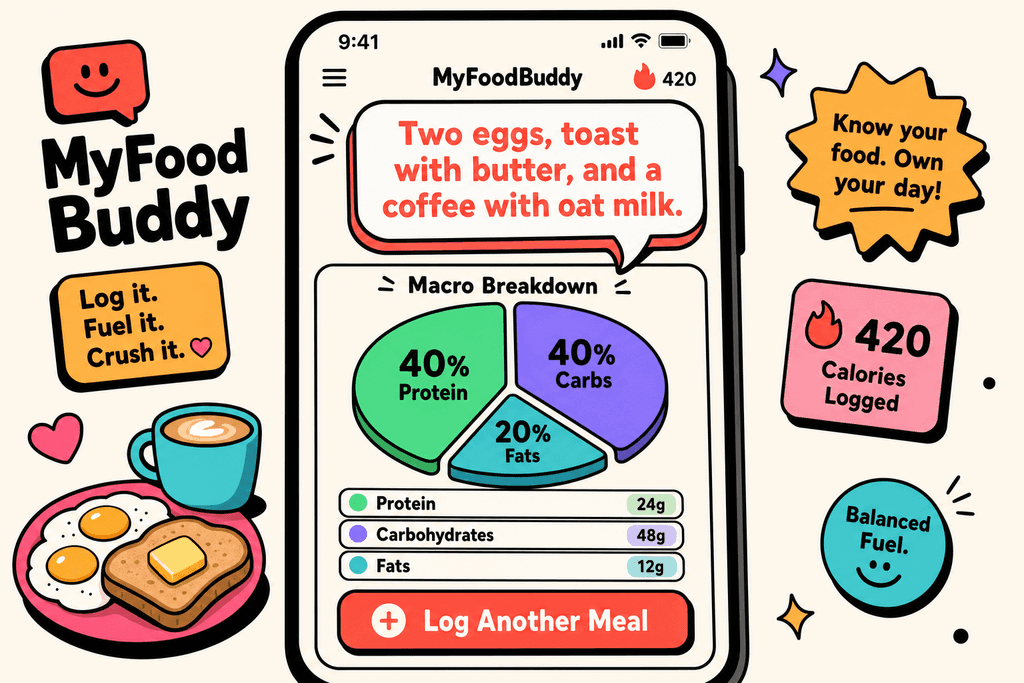
Apps like MyFoodBuddy make it easier to adjust your targets without starting from scratch. You can update your goals as your body changes, and the AI nutrition coach Fiona can help you understand when it's time to recalculate based on your actual progress.
Ignoring the Margin of Error
Macro calculators spit out numbers that look precise and scientific. You get told to eat exactly 1,847 calories with 140g protein, 195g carbs, and 62g fat. Those specific numbers make it feel like you've found the perfect formula for your body. But here's what most people don't realize: these calculators are giving you educated guesses, not personalized prescriptions. They use population averages and standard formulas that might be off by hundreds of calories for your individual metabolism.
Research shows that individual metabolism can vary by 200-300 calories from what calculators estimate. Two people with identical height, weight, age, and activity level can have different calorie needs just because of genetic factors, hormone levels, and metabolic efficiency.
Key Stat: Studies show metabolic rates can vary by up to 26% between individuals, even after accounting for body size and composition.
Treating macros as exact numbers creates frustration when results don't match expectations. You follow the plan perfectly for two weeks, but the scale doesn't move like the calculator predicted. You need to track results for 2-3 weeks and adjust based on actual progress, not just trust the initial numbers blindly.
This is where tracking becomes crucial. The calculator gives you a starting point, then real-world data tells you what adjustments to make. If you're not losing weight after three weeks at your calculated deficit, you probably need to reduce calories by 100-200 and reassess. MyFoodBuddy's analytics features help you spot these patterns without needing to manually crunch numbers or start over with a new plan.
Setting Unrealistic Deficit Targets
When you're motivated to lose weight, it's tempting to choose the most aggressive option available. You see "lose 2 pounds per week" and think that sounds way better than the slower options. But if you only have 20 pounds to lose, that aggressive target is setting you up for failure. Extreme deficits increase hunger, reduce energy, and make tracking harder to maintain beyond the first few weeks of motivation. What starts as determination usually ends in burnout, and you're back where you started within a few months.
The math might work on paper, but your body doesn't care about math. Larger deficits lead to more muscle loss alongside fat loss, which slows your metabolism even further. You end up needing fewer calories than before, making it harder to maintain your results once you reach your goal weight.
| Deficit Type | Daily Calorie Reduction | Best For | Main Drawback |
|---|---|---|---|
| Aggressive | 750-1000 calories | 50+ pounds to lose | Hard to sustain |
| Moderate | 500-750 calories | 20-50 pounds to lose | Slower results |
| Conservative | 250-500 calories | Last 10-20 pounds | Requires patience |
A 500-750 calorie deficit is appropriate for most people with significant weight to lose. This creates about 1-1.5 pounds of loss per week, which is sustainable and preserves more muscle mass. If you're closer to your goal weight, a smaller deficit of 250-500 calories works better because your body has less fat to lose and fights harder to hold onto what's left.
Sustainable tracking matters more than aggressive targets. You're better off losing weight slowly while actually sticking to your plan than setting extreme goals that you abandon after three weeks. The right calorie goals should feel challenging but doable, not like constant deprivation.
Getting your macros right from the start makes everything easier. When you avoid these common calculator mistakes, you set yourself up with realistic targets that actually match your body and lifestyle. Tools like automated calorie tracking help you stay consistent with those targets without spending hours on manual calculations. The difference between success and frustration often comes down to starting with accurate numbers and personalizing your approach as you learn what works for your body.
Why These Mistakes Are So Common
The design of most macronutrient calculator for weight loss tools actually encourages you to make mistakes. When you're staring at dropdown menus with activity levels ranging from "sedentary" to "extremely active," your brain naturally gravitates toward the option that lets you eat more food. It's not that you're lying to yourself on purpose. The interface itself nudges you toward optimistic choices because nobody wants to select "sedentary" even if they sit at a desk for eight hours a day. This psychological quirk gets reinforced by the fact that higher activity levels mean higher calorie targets, which feels more rewarding and less restrictive.
Research shows that up to 73% of people overestimate their activity levels when using fitness calculators. The disconnect happens because most calculators don't clearly explain what each activity level actually means in practical terms.
| Overestimate Activity Level | 73% of users |
| Never Update Macros | 61% after initial setup |
| Weight Loss Stalls | Average 3-4 weeks earlier |
Traditional tracking apps make the problem worse by creating friction around adjustments. When updating your macros requires navigating through multiple menus and recalculating everything manually, most people just don't bother doing it.
The Psychology Behind Calculator Errors
Your brain is wired to seek the path of least resistance, and that applies to both food choices and how you set up your macronutrient calculator for weight loss. When faced with uncertainty about which settings to choose, people consistently make these predictable errors.
- Selecting higher activity levels to justify eating more food throughout the day
- Choosing aggressive deficit percentages hoping for faster results without considering sustainability
- Avoiding macro updates because the process feels tedious and time-consuming
- Misunderstanding that "lightly active" doesn't include your three weekly gym sessions
The education gap around activity levels creates the biggest problems. Most people think their workout routine automatically bumps them up a category, but calculators base activity levels on your entire day, not just your hour at the gym.
How Modern Tools Prevent These Errors
AI-powered nutrition apps can catch these mistakes before they derail your progress. Voice-based tracking removes the friction that keeps people from logging consistently, which is exactly what you need to spot when your macros aren't working anymore. MyFoodBuddy uses natural language processing so you can just say what you ate instead of searching through databases and measuring portions for ten minutes.
- AI coaches analyze your logging patterns and suggest macro adjustments based on actual results
- Voice input makes daily tracking take seconds instead of minutes
- Automated calculations eliminate the manual math that causes people to avoid updates
- Pattern recognition identifies when your intake doesn't match your stated goals
The difference between success and failure often comes down to consistency. When tracking takes too much effort, people stop doing it within a few weeks. But when you can log meals by simply talking to your phone, you're far more likely to stick with it long enough to see real results and catch calculation errors early.
Getting Your Macros Right
Look, fixing your macronutrient calculator for weight loss doesn't require a complete overhaul of your diet. Most people just need to go back and check their settings with fresh eyes. The biggest issue is usually that activity level setting, where being honest with yourself makes all the difference. If you sit at a desk most of the day, you're probably sedentary even if you hit the gym three times a week.
Start with a moderate deficit instead of going extreme. Your body needs time to adjust, and setting realistic calorie goals means you'll actually stick with them long enough to see results. Track your progress for two weeks before making changes, because your weight will fluctuate daily and that's completely normal.
Here's what actually matters for long-term success:
- Update your stats every 10-15 pounds lost
- Choose the conservative option when you're unsure
- Track consistently before adjusting your numbers
- Use tools that don't make tracking feel like a chore
The truth is, even perfect macro calculations won't help if tracking becomes too tedious to maintain. That's why automating your calorie tracking can make the difference between giving up after two weeks and actually reaching your goals. MyFoodBuddy handles the math automatically when you log meals by voice or text, so you can focus on the eating part instead of becoming a nutrition calculator yourself.
The calculator mistakes we covered are fixable, but only if you're willing to be honest about where you went wrong. Most people already know which setting they fudged.
Common Questions About Macro Calculators
Getting your macros right can feel like solving a puzzle, especially when the numbers keep changing and the results aren't showing up. Most people have the same questions when they start tracking, and the answers aren't always what you'd expect. Here's what you actually need to know about using a macronutrient calculator for weight loss without making things harder than they need to be.
How often should I recalculate my macros?
You should recalculate your macros every 10-15 pounds of weight loss or every 4-6 weeks, whichever comes first. Your body needs fewer calories as you get lighter, so what worked at the start won't work forever. If your weight hasn't budged in three weeks despite hitting your targets, that's also a sign to recalculate.
What activity level should I choose if I work out 3 times per week?
Most people should select "lightly active" or "moderately active" for three workouts per week, but here's the catch. Activity multipliers in calculators are notoriously inflated, so it's usually safer to start one level lower than you think. You can always adjust up if you're losing weight too quickly or feeling exhausted.
Why am I not losing weight even though I'm hitting my macros?
The most common reason is tracking errors, not calculator problems. Studies show people underestimate their food intake by 20-50% on average. Cooking oils, condiments, and "just a bite" moments add up fast. Apps like MyFoodBuddy use voice logging to make tracking more accurate since you can quickly log everything without the hassle of searching databases or creating custom meals.
Should I eat back calories burned from exercise?
No, don't eat back exercise calories if your macronutrient calculator for weight loss already includes your activity level. That would be counting the same calories twice. If you used a sedentary setting and added exercise separately, you could eat back about 50% of what fitness trackers say you burned since they tend to overestimate.
What's the best macro ratio for weight loss?
There's no single best ratio because it depends on your body and preferences. A good starting point is 40% carbs, 30% protein, and 30% fat, but some people do better with higher protein or lower carbs. The best ratio is the one you can actually stick to while maintaining a calorie deficit.
How do I know if my macro targets are too low?
Warning signs include constant hunger, poor sleep, irritability, hair loss, or losing more than 2 pounds per week consistently. Women shouldn't go below 1200 calories and men shouldn't go below 1500 calories daily. If you're experiencing these symptoms, bump your calories up by 100-200 and reassess after two weeks.
Ready to start tracking smarter?
Download MyFoodBuddy and start tracking your calories by just saying what you ate. No more searching databases or guessing portions.
Get started